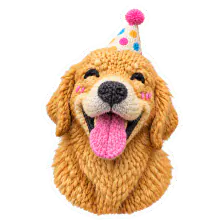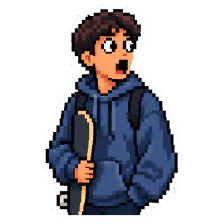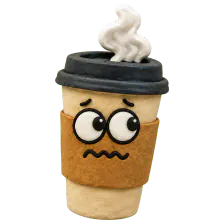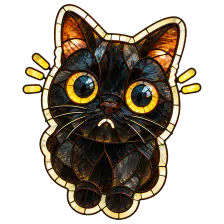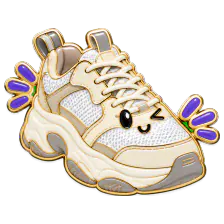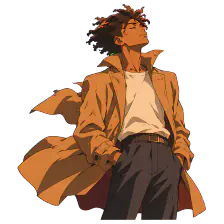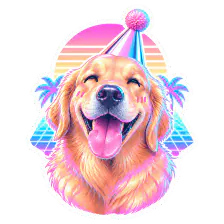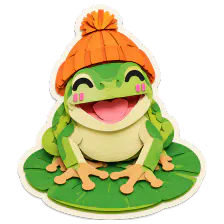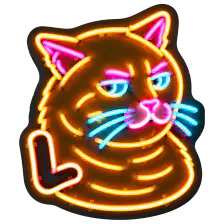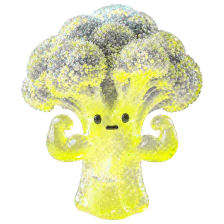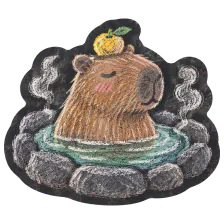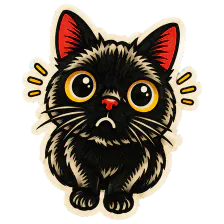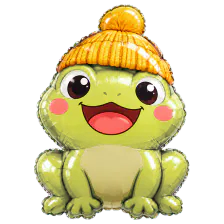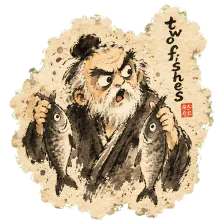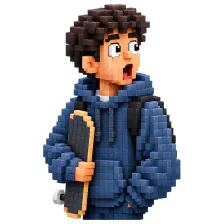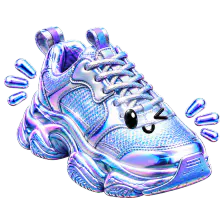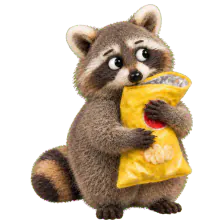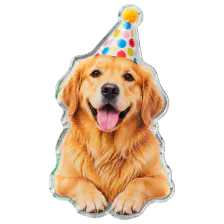
Turn your favorite moments into stickers.
Upload a photo, choose a style, and create a sticker pack.
For iPhone and Android.
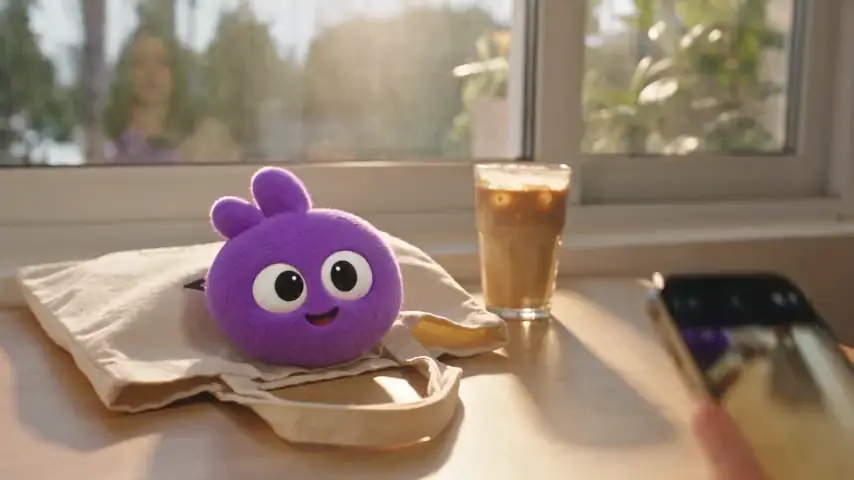
See how it worksOne subject. A whole sticker pack.
Every sticker in the pack comes from the photos you upload. Choose how many you want, with text or without. Send them in the chats you already use.
Mia
online
Made it to the park yet?21:38

Send the new ones!21:40
Leo
last seen recently
Movie night at 8?21:38

Bring snacks21:40
stickers
night_owl21:38
gg everyone
you21:39

night_owl21:40
who made these stickers
From photo to pack in three steps.
- 1
Upload your subject's photo
Add up to four photos of the person, pet, or thing you want on your stickers.
- 2
Pick a style you like
Pick one of the styles in the app, choose 4, 6 or 9 stickers, and decide whether they carry text.
- 3
Your sticker pack is ready
Watch the count climb as each sticker is made. The finished pack lands in your Profile, ready to save, share, or publish.
Over a dozen styles today. More than 100 on the way.

From retro pixel to ink wash, with new styles added over time. Not sure? Leave it on AI custom and Cookmoji picks a style that suits your photo.
Share what you make.
Publish to Plaza
Put a finished pack in Plaza for everyone to see. People can like it, follow you, and tap “Make one like this” to try the same style.
Swipe the stickers, tap the heart, or try Bookmark and Share.

Pixel art
Keep the original style and sticker settings, and use your own photos.
Count: 6
Want this exact set? Choose “Save set”.


Save it anywhere
Save to Photos or Files, or send it to Telegram, WhatsApp, and iMessage.
Full-resolution PNG with transparency preserved.
Open packs by code
Every published pack has a six-character code. Paste it into Search to open the pack.
Private until you publish. New packs are visible only to you, and you can withdraw a pack from Plaza at any time.